Digital basics
Getting Started with Video Calls: A Patient Walkthrough
Setting up an account, testing sound, and keeping the screen readable
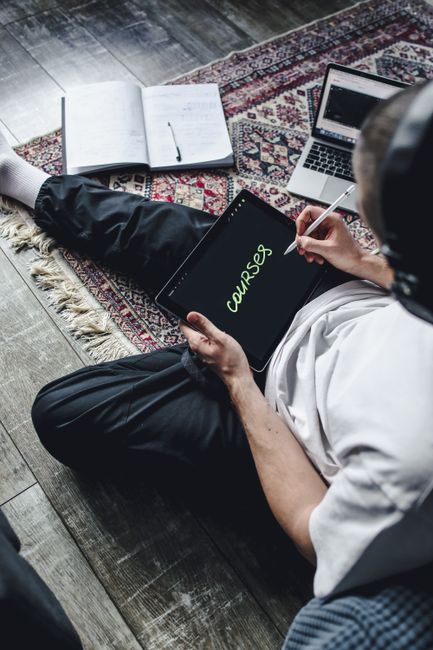
Most people who struggle with video calls are not struggling with the software. They are struggling with a handful of settings that decide whether the whole thing feels usable or exhausting. So before you install anything, decide where you will sit. A laptop on a kitchen table, a tablet propped against a fruit bowl, or a desktop in a spare room all work, but each one changes how you hold the device and how much of your face the camera actually catches.
Once the device is settled, create the account. You will be asked for a name, an email address and a password. Write the password down somewhere you will find it again, because the recovery process is the part most people dread. Then open the settings menu and look for text size or display size. Increase it until the buttons are comfortable to read without leaning forward. This one change does more for confidence than any tutorial.
Sound comes next. Find the microphone test in the settings and speak a normal sentence at your usual volume. If the level barely moves, move the device closer or check that the correct microphone is selected. A pair of headphones with a built-in mic often solves echo problems in a room with hard floors. When you join a call from a link someone sent you, the browser or app will ask permission to use the camera and microphone. Allow both, then wait a moment before speaking.
During the call, the mute button is your friend. Mute when you are not speaking, especially if there is a kettle or a dog in the background. If the picture freezes, do not panic and do not close the window. Wait a few seconds, and if nothing changes, leave the call and rejoin through the same link. On privacy, keep meeting links to yourself rather than posting them in a group chat, and treat unexpected call requests from unknown contacts the same way you would treat an unexpected knock at the door.